
Visual Status Mouse B15 Pro
Always keep track of your mouse’s status!
- All statuses visible via LED display
- Ergonomically designed for a comfortable grip
- Supports multi-device connection with up to 3 devices
- Auto sleep mode for energy saving and long battery life
Stay Updated with
Exclusive Deals & New Arrivals!
Subscribe to our newsletter and get exclusive coupons, product updates, and special offers delivered straight to your inbox — no spam, just the good stuff.
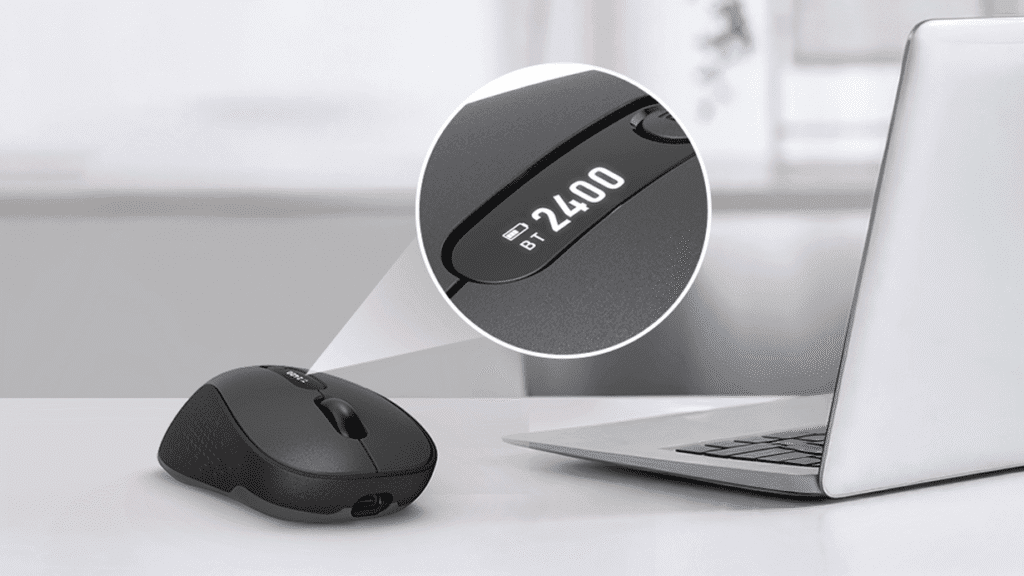
All mouse information at a glance on the LED screen!
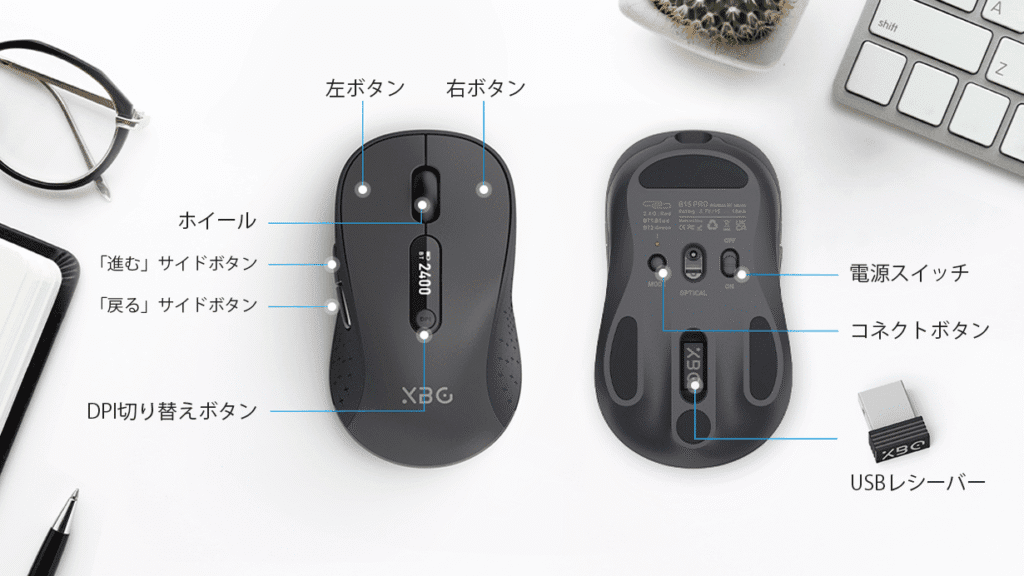
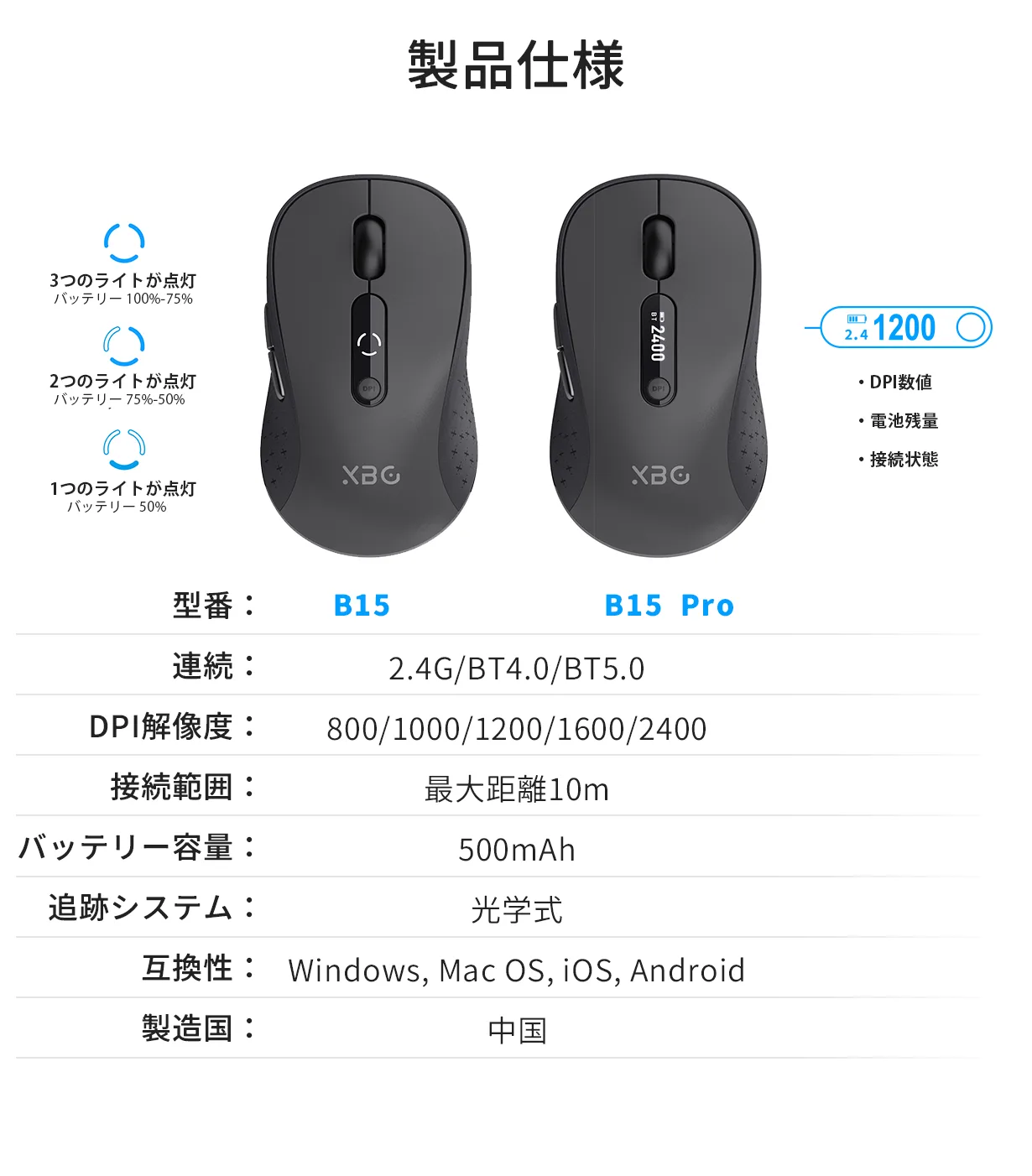
The LCD screen on top of the mouse lets you check three key statuses in real-time: DPI level, battery remaining, and connection mode. No software needed — instantly know the mouse status anytime.
Boost your productivity with adjustable DPI!
Equipped with a 5-level DPI switch ranging from 800 to 2400 DPI, the LED screen clearly displays the current DPI setting. Find your ideal DPI and enjoy smooth, comfortable PC control!
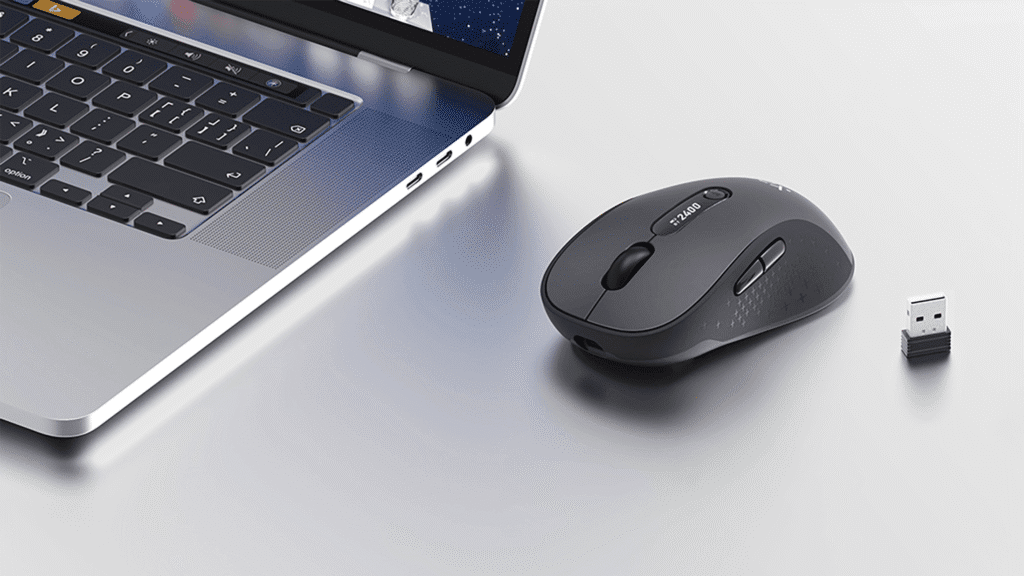
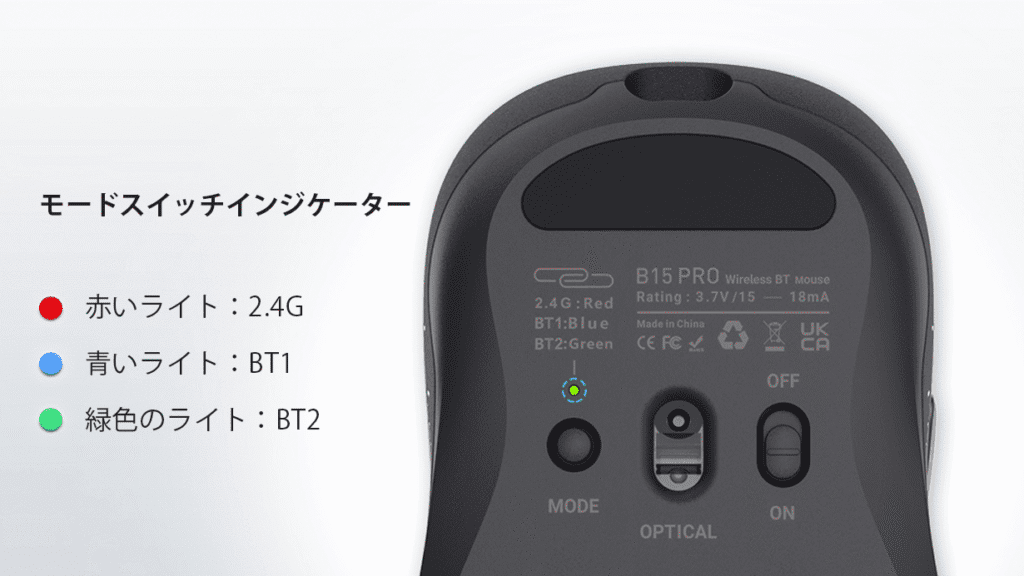
Instantly check your mouse’s connection status!
Supports wireless connection via 2.4GHz USB receiver, Bluetooth 4.0, and Bluetooth 5.0 — connect up to 3 devices. Easily identify connection status with different colored indicator lights. Plus, the LED screen shows which connection mode your device is currently using.
Soft touch for an exceptional feel!
The non-slip, smooth surface enhances grip, allowing easier operation with less effort, reducing hand fatigue. Completely different from ordinary mice in texture and feel — designed for maximum comfort.
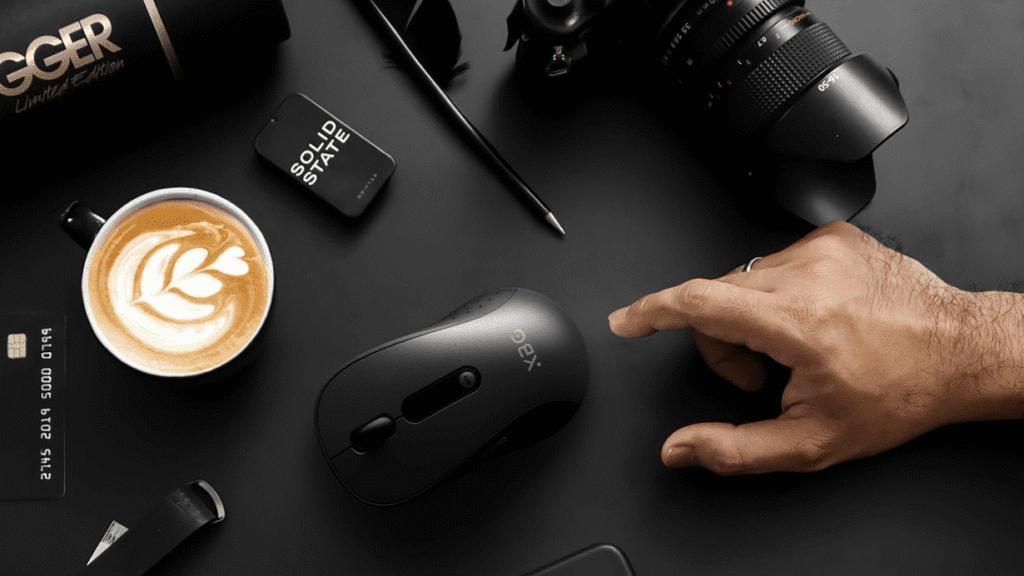
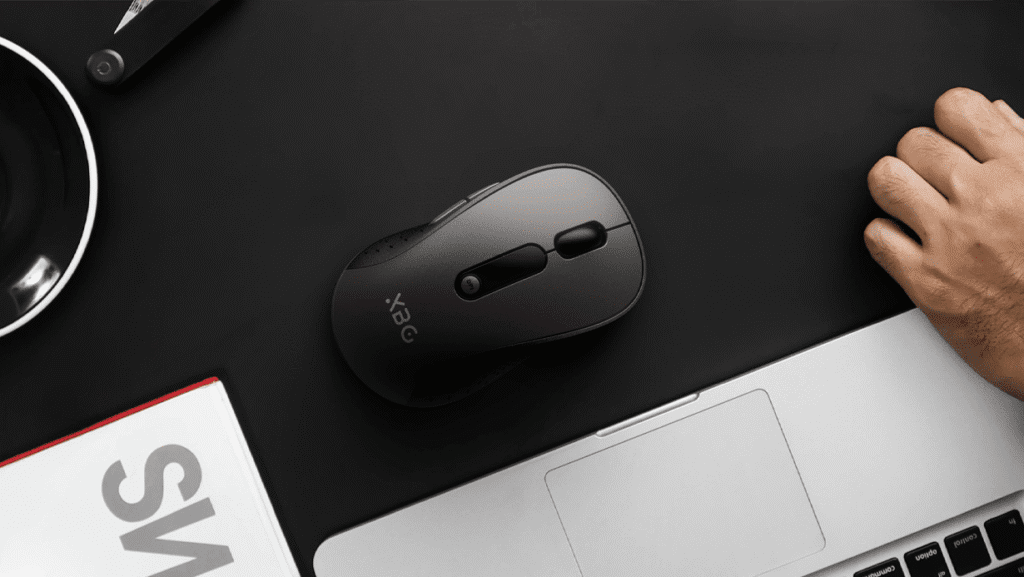
Simple, convenient, durable, and long-lasting!
Maintains a satisfying click feel while being silent enough not to disturb others — perfect for quiet places like libraries and offices. Compact and portable size makes it ideal for business trips and office use.
Simple, Convenient, Durable, and Long-Lasting!
Enjoy satisfying click feedback without disturbing those around you—perfect for quiet environments like libraries and offices. Its compact, portable size makes it ideal for business trips and office use.
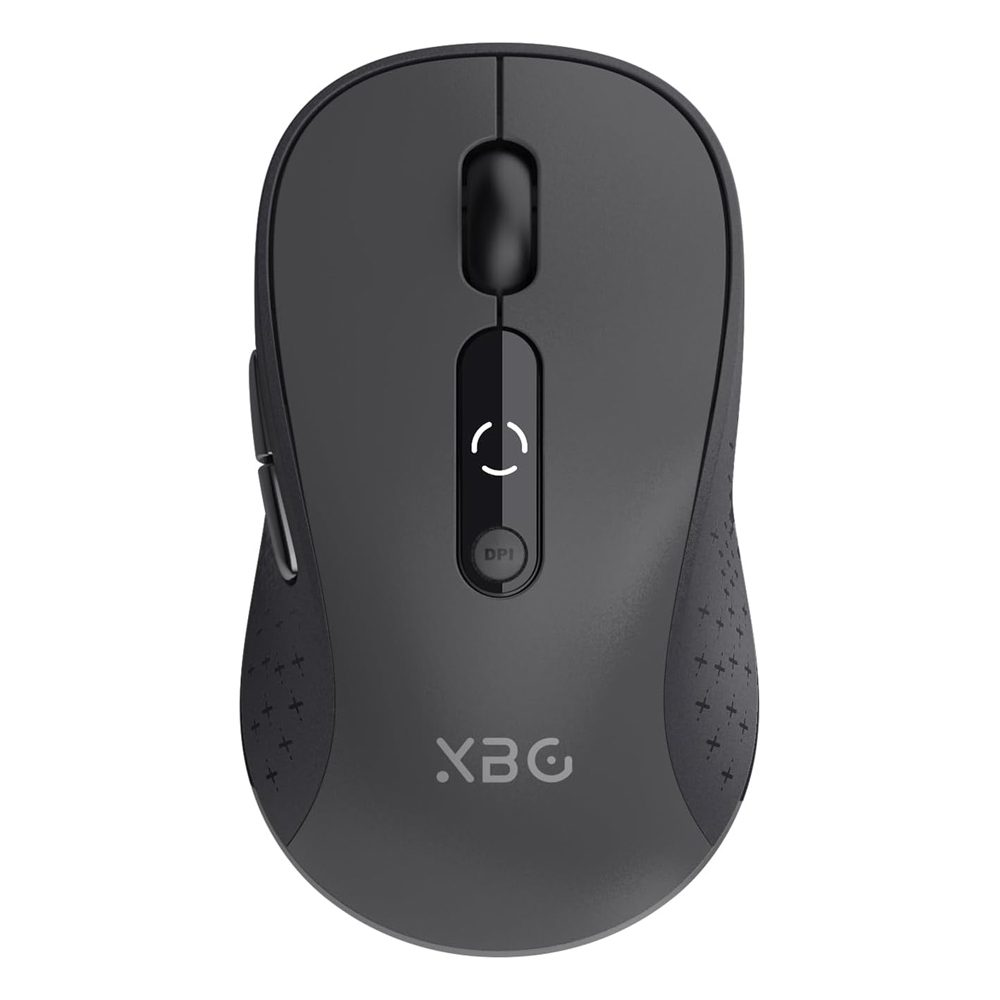
XBG Wireless Bluetooth Mouse
Edition: B15
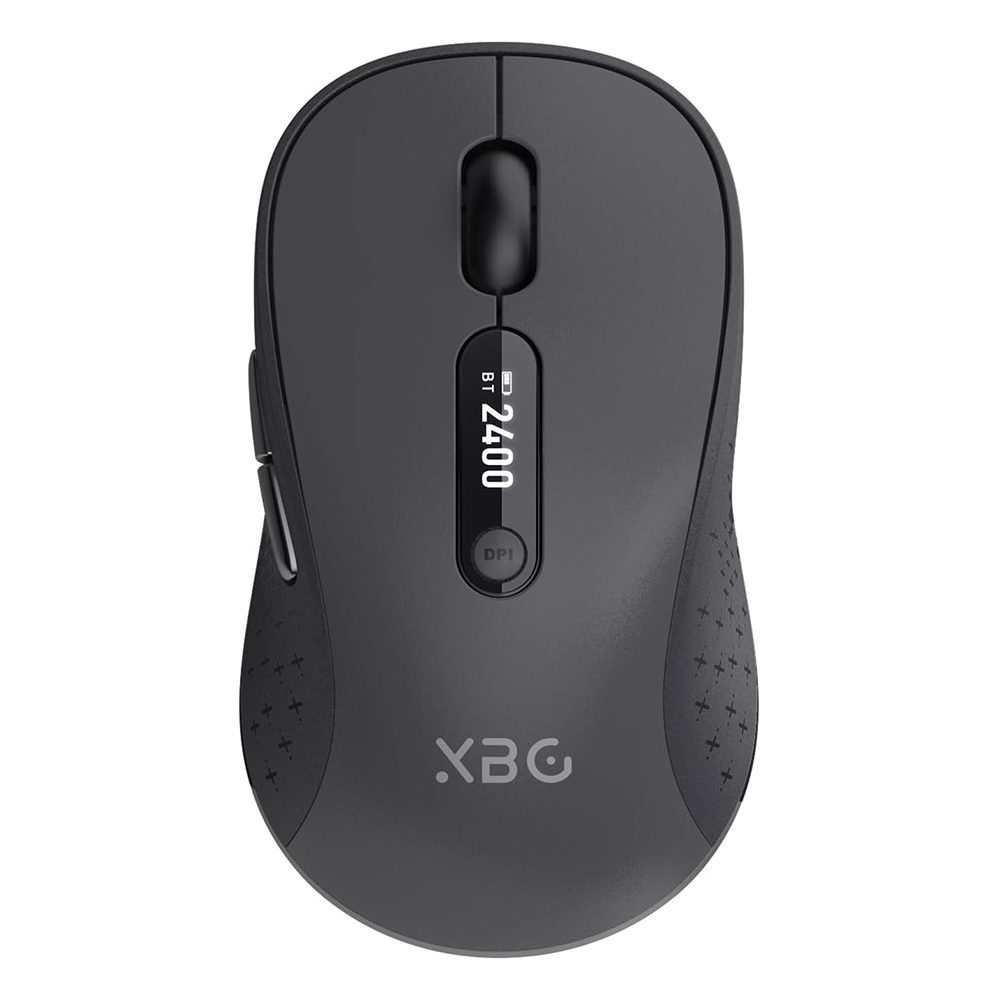
XBG Wireless Bluetooth Mouse
Edition: B15 Pro
Frequently Asked Questions
Q:How should I clean the mouse if it gets dirty?
A:Please wipe the surface gently with a soft cloth, including the cubic zirconia button part. Since the mouse is a precision device, avoid using water or acidic detergents as they may cause damage.
Q:How do I turn the mouse on and off?
A:When not in use, the mouse automatically switches to sleep mode and powers off to save energy.
Q:Will my wrist get tired after long hours of use?
A:Our unique design mimics the natural position of your hand, ensuring comfortable use even for extended periods.
Q:Will the battery run out quickly?
A:The mouse supports USB-C charging and can last up to 2 months on a full charge.
Q:How do I charge the mouse?
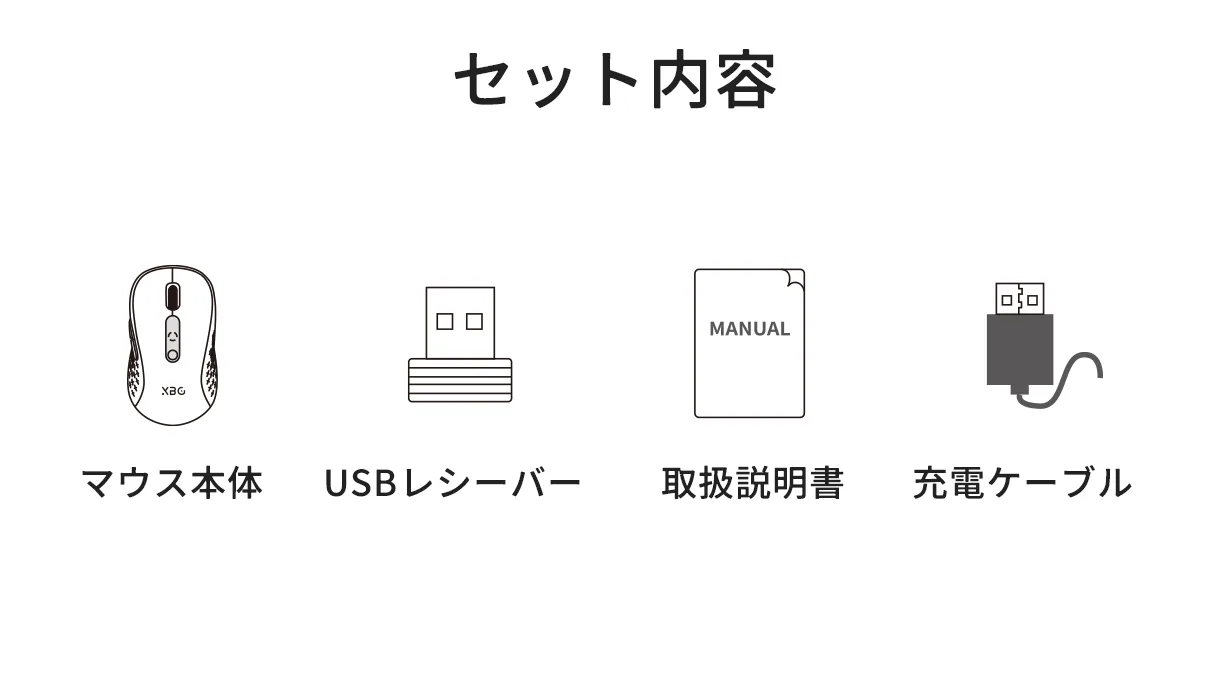
A:Charge the mouse using the included USB-A to USB-C cable by plugging it into the USB-C port on the front of the mouse.
Q:Can I use the mouse while it’s charging?
A:Yes, you can operate the mouse while it is charging.
Q:How do I connect the mouse to Bluetooth devices?
A:Turn on the mouse, then press the mode button on the bottom to enter pairing mode. Once paired, the connection is established. On first use, the mouse automatically enters pairing mode, and you can select “BT5.0Mouse” or “BT4.0Mouse” on your device to connect.
Q:How do I connect using 2.4GHz wireless?
A:Switch the connection toggle on the bottom of the mouse to 2.4GHz. Turn on your device and fully boot the OS. Insert the USB receiver into your device’s USB-A port. The mouse will then be ready to use.